Bring Your People Together in Four Steps
Endurance Grid helps you work towards a shared goal and celebrate the journey with a group. Here’s how it works.
Start a Group
Name it after your race, your crew, or whatever feels right. Only the people you invite join it.
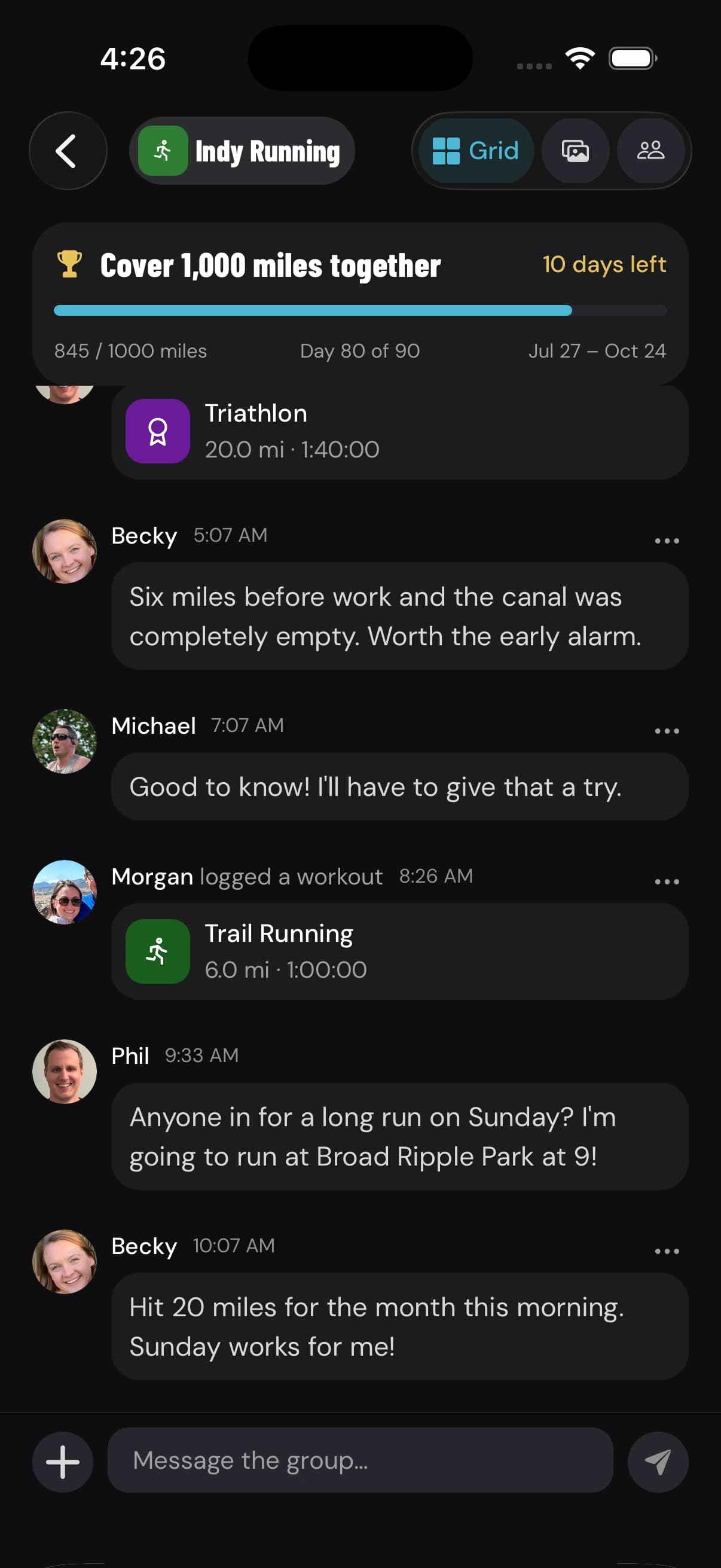
Pick a Shared Goal
Choose a race you’re all doing from the race calendar, a workout count, or a set amount of mileage.
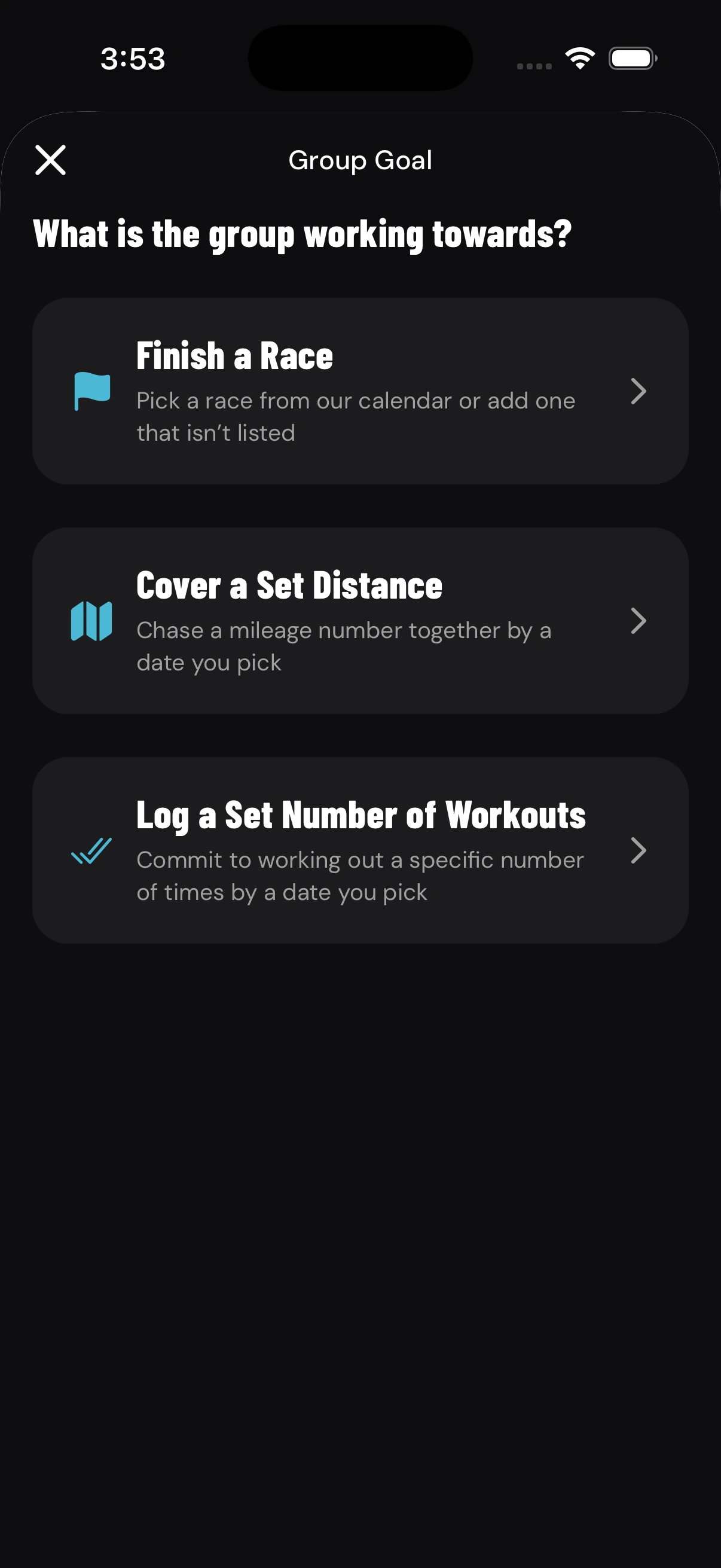
Invite Your People
Your partner, your sibling, your friends from high school, or whoever you want to train with. Send an invite link from the app.
During the beta: send us the email addresses of the people you want to invite, and we’ll add them for you.
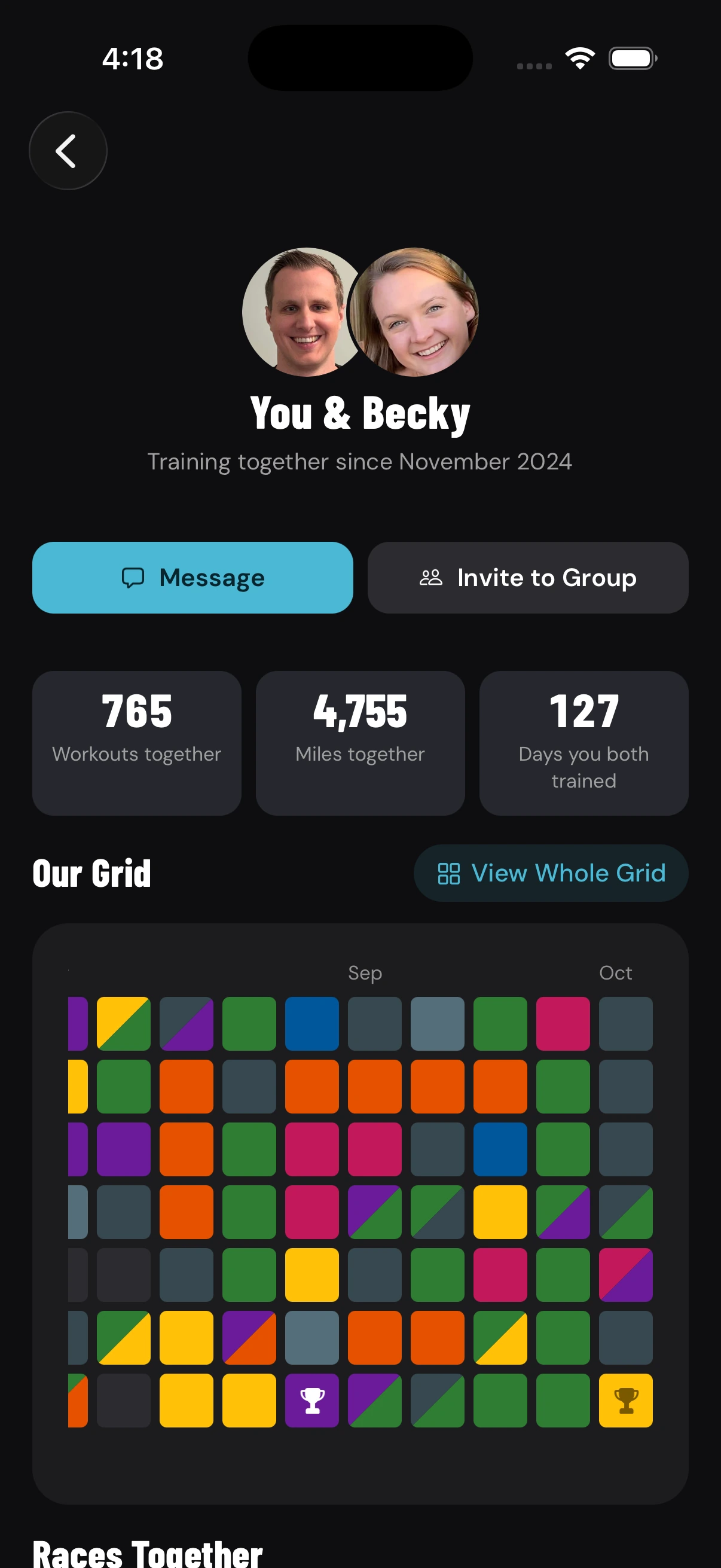
Workout and Celebrate
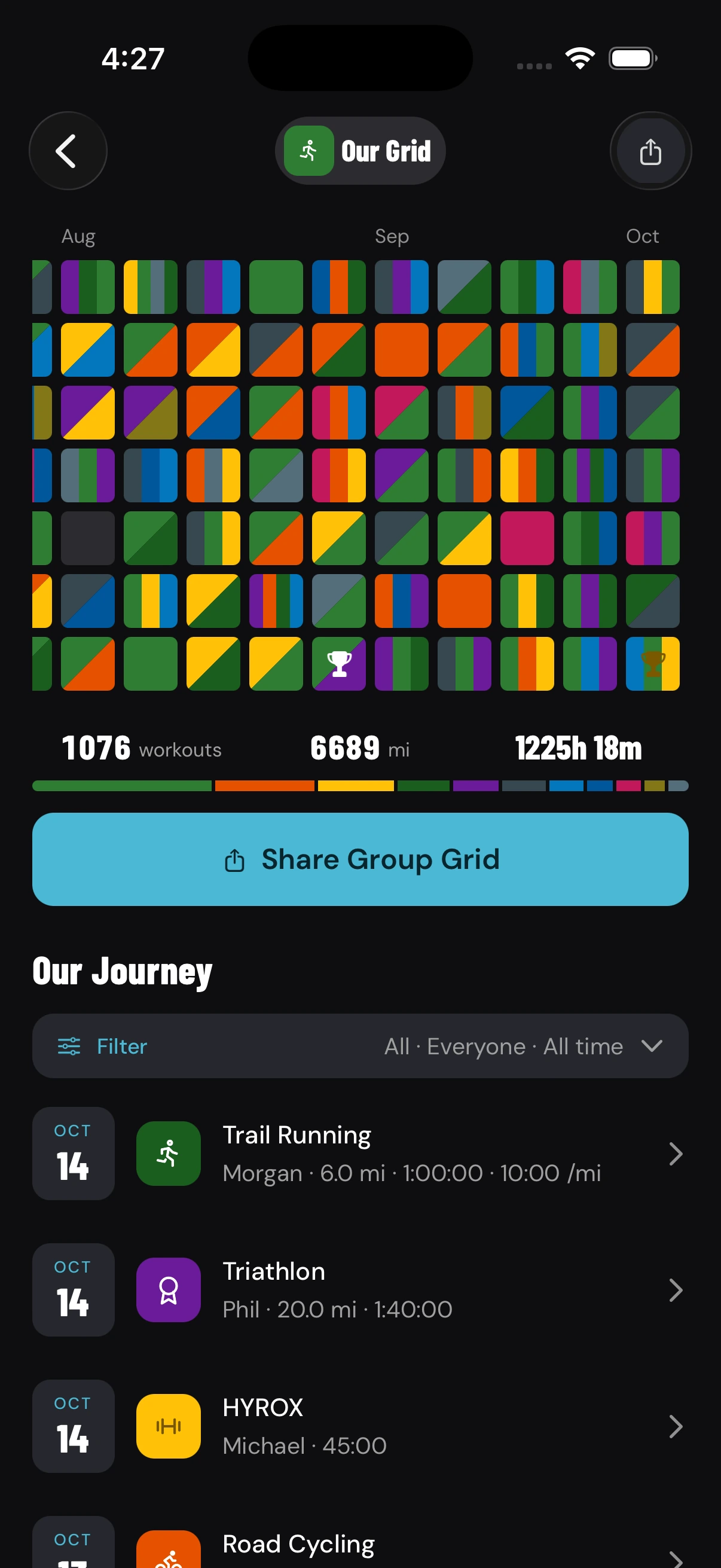
Share your workouts. Your people see them, cheer you on, and your grid fills up together. After race day, it’s all there to look back on.
Did Someone Invite You?
- Get the app. During the beta, the person who invited you sends us your email, and we email you a link to install it.
- Open the invite link on your phone, from the text or email you were sent. It opens the group right in the app.
- Can’t find the link? In the app, go to Groups, then Join a Group, and enter the invite code.
It’s Easy to Get Started
Log Workouts in One Tap
Pick the sport and you’re done. Add the distance or time if you want.
No Photos Required
Add a photo only when you want to remember the day.
Just Your People
Your workouts go to the groups and people you choose.
Ready to Start Your Group?
Founding Athletes get the app first. Start a group, then send us your people’s emails and we’ll add them.